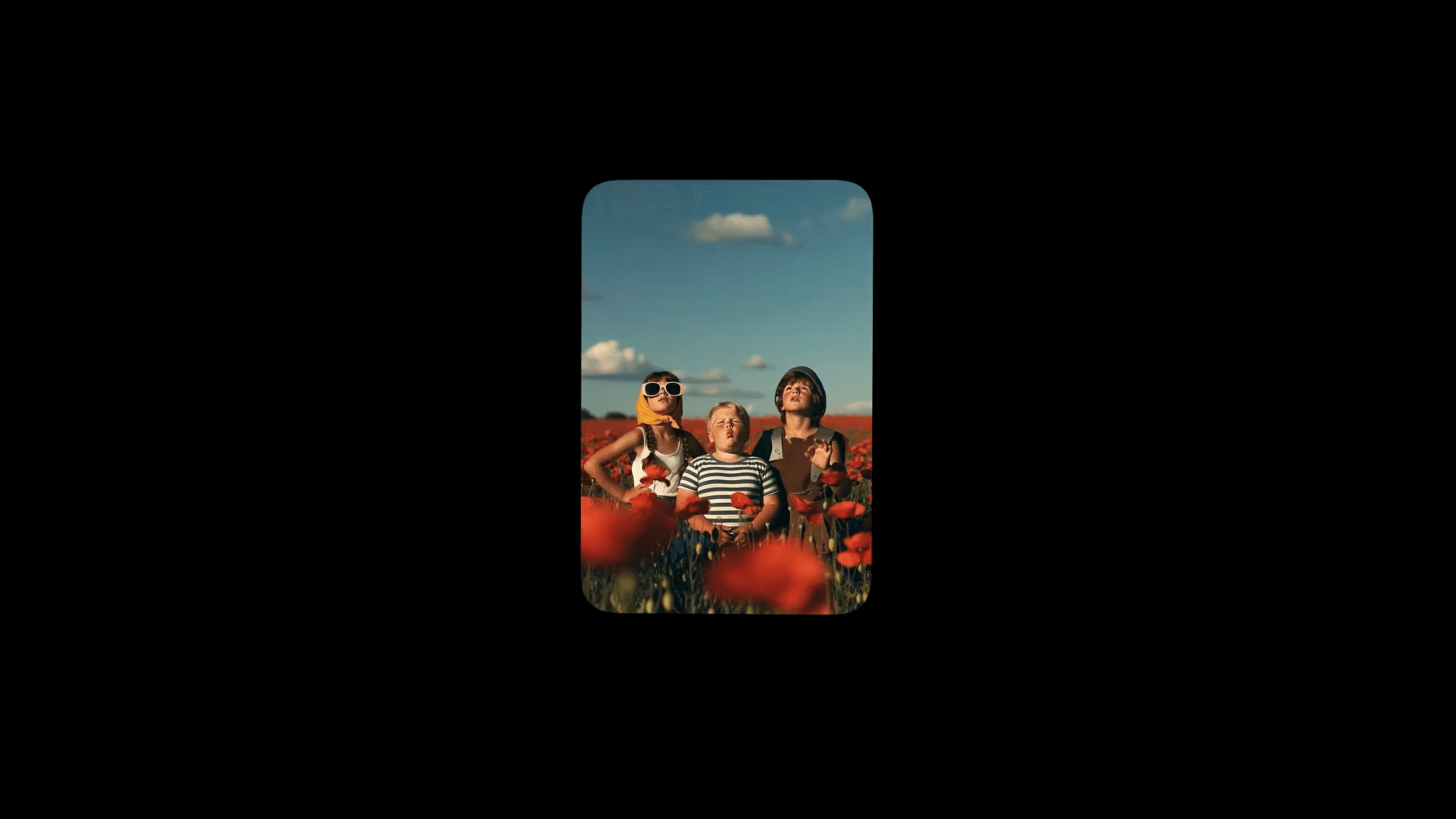
Imagine V2: Create Stunning AI Videos & Images in Seconds
Create videos and images with Imagine V2. Turn any idea into a cinematic 4K video or photorealistic image — no design skills needed.
What Makes Imagine V2
So Powerful
Multi-Modal Reference Generation
Upload images, audio, video, or text as creative references — all at once. Imagine V2 understands every input together.
Videos Up to 30 Seconds
Tell longer stories. V2 extends video length to 30 seconds with seamless motion consistency across every frame.
Voices, Sound Effects & Ambience
Every video comes to life with synchronized audio — dialogue, sound effects, and ambient noise generated automatically.
Photorealistic AI Images
Create detailed images from text prompts with control over subjects, lighting, and composition.
Animate Any Photo
Upload an image and watch Imagine V2 bring it to life as a smooth, cinematic clip.
Advanced Multi-Layer Prompt Understanding
Describe complex scenes with confidence. V2 understands nuanced prompts and delivers precisely what you envision.
More Grok Imagine Tools
Explore Imagine
workflows built for different needs
Looking for a starting point for your next image? Browse our Grok image prompts for portraits, product photography, and illustrations, then copy an example and make it your own.
Grok Imagine 1.5
Create fast AI videos with Grok Imagine 1.5
Try the earlier Grok Imagine video workflow for quick image-to-video generation, prompt testing, and creator-friendly previews.
Grok Imagine Image Quality
Generate higher-fidelity AI images
Use the Image Quality page when sharp detail, polished product shots, and refined visual outputs matter more than raw speed.
What Imagine V2
Can Create
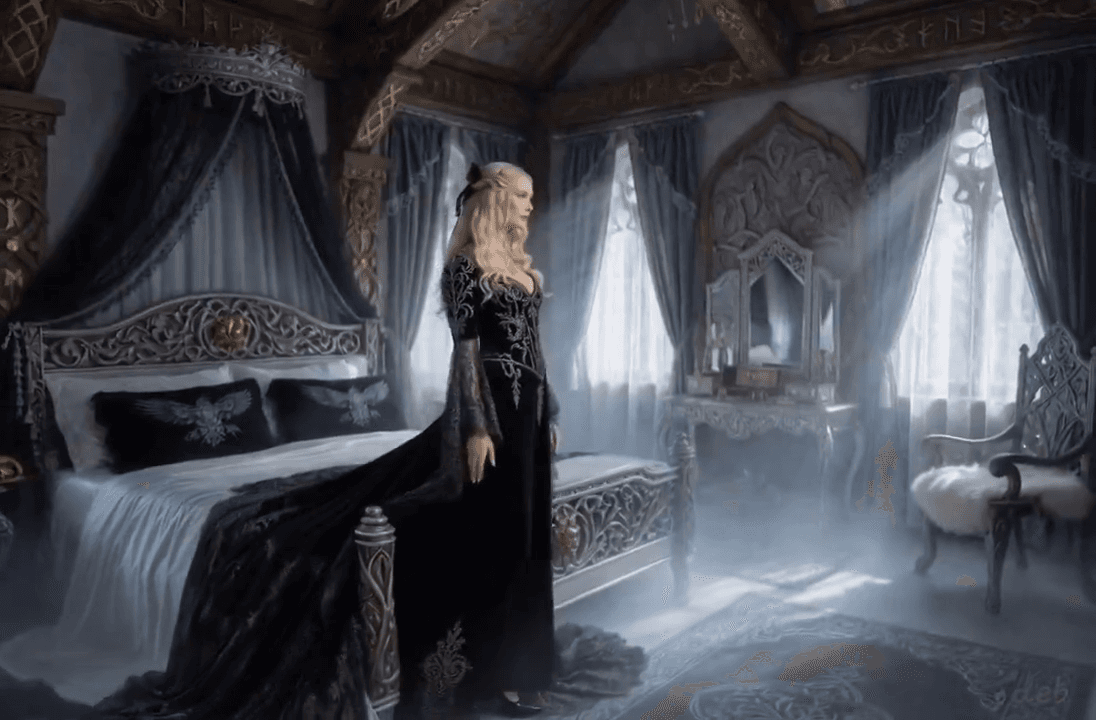
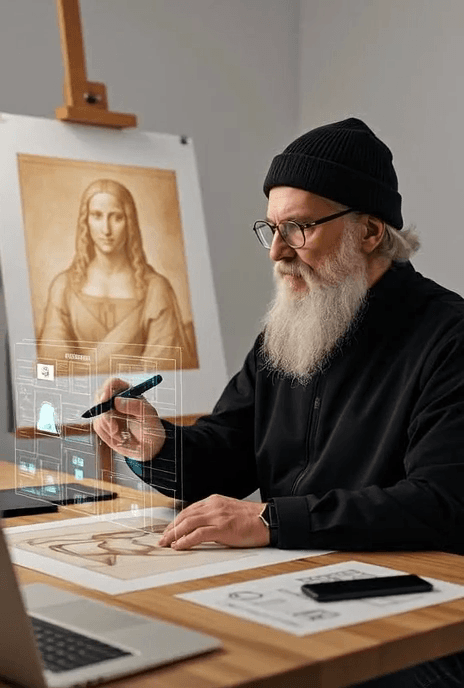
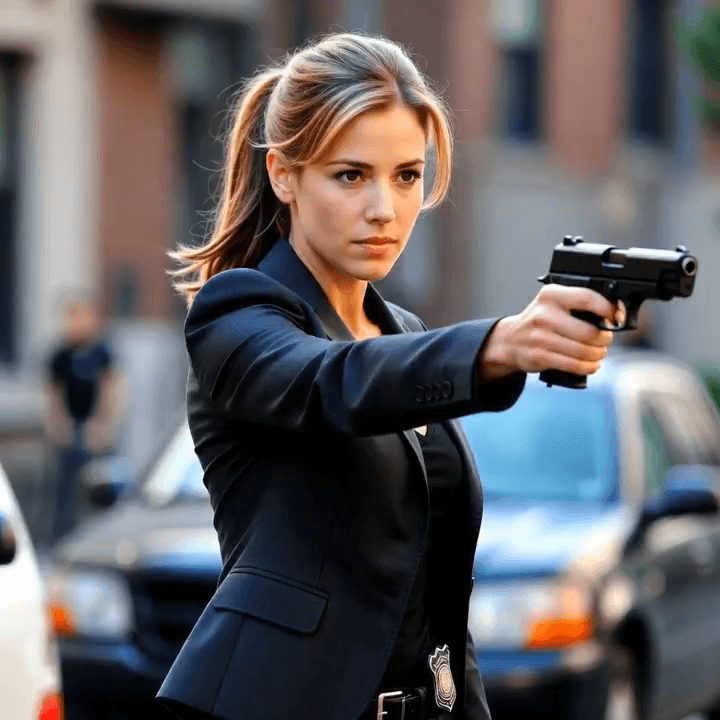
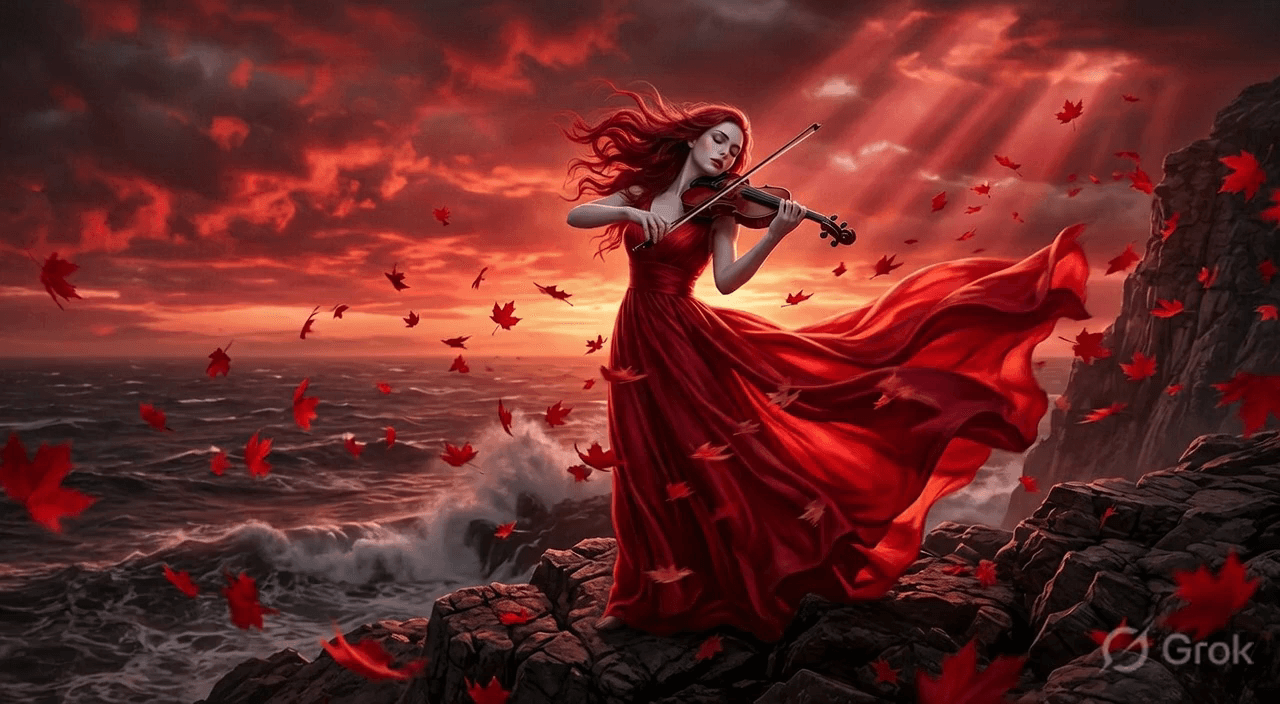
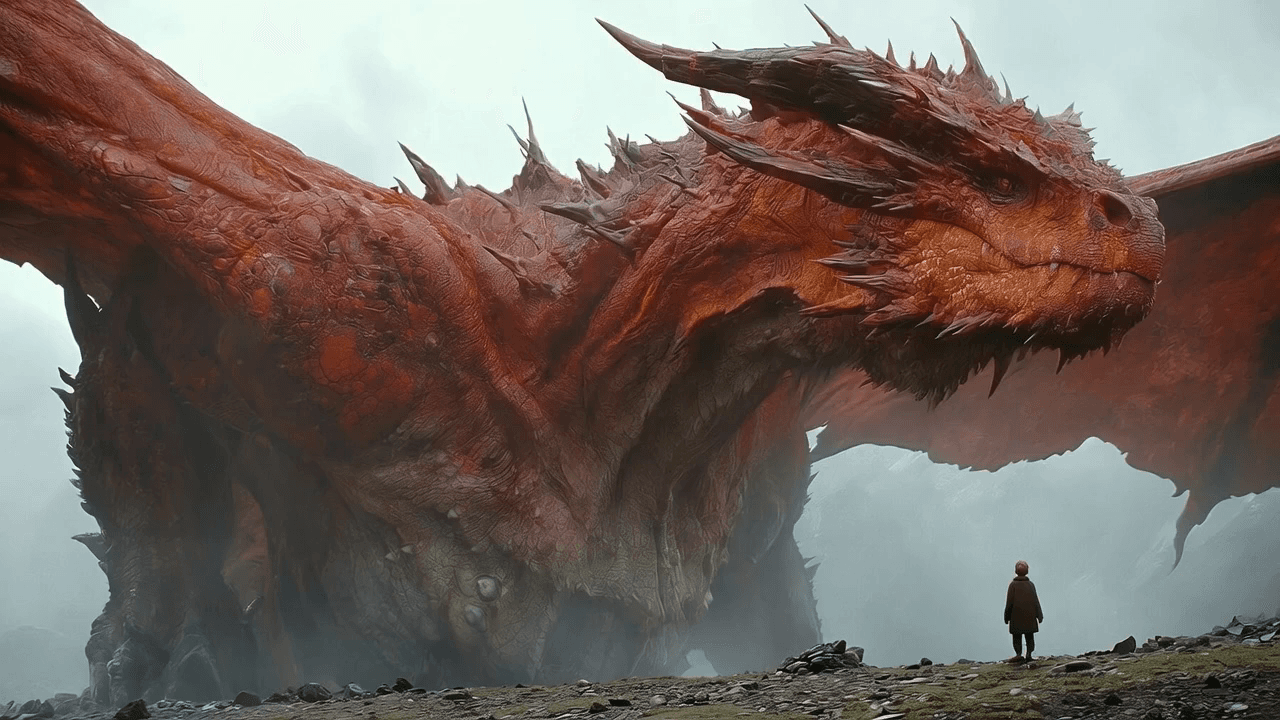
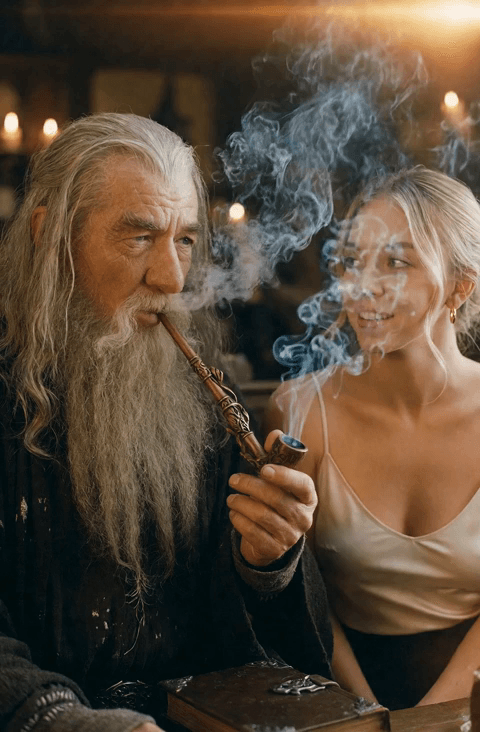
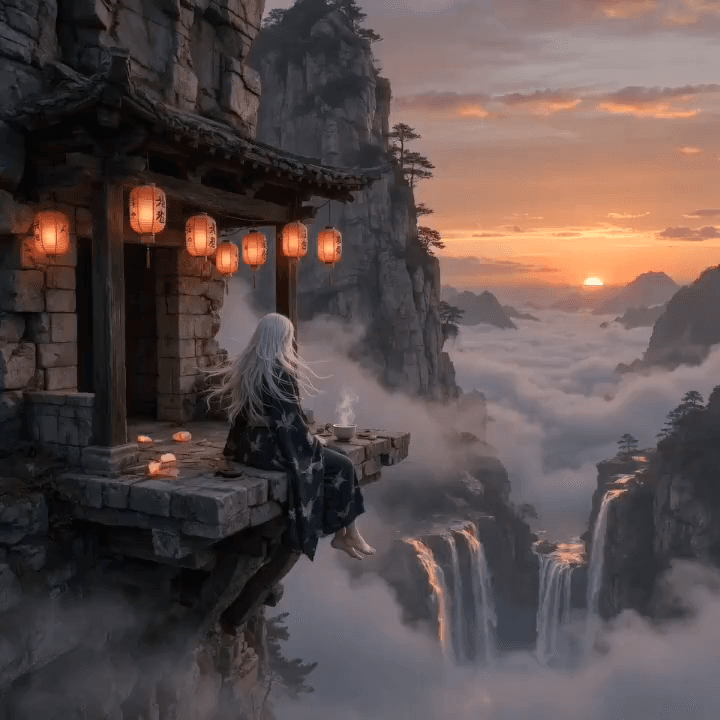
Real outputs from Imagine V2. No cherry-picking — just honest examples of what's possible.
Real outputs. Cinematic motion. Photorealistic detail.


Why Choose Imagine V2
Over The Competition?
Video AND Image — One Platform
Veo 3.1 and Seedance 2.0 are video-only. Imagine V2 is the only top-tier platform that generates both cinematic videos and photorealistic images — with editing, style transfer, and image-to-video animation all built in.
Feed It Anything
Most competitors only understand text prompts. Imagine V2 accepts images, audio clips, and video footage as references — simultaneously. Describe your vision or show it. Either way, V2 gets it right.
No Setup. No API Keys.
Veo 3.1 requires Google Cloud access. Kling 3.0's Omni model has a steep learning curve. Imagine V2 works immediately — sign up, type a prompt, get a video. Built for creators, not engineers.
Imagine V2 Pricing Plans
Choose a one-time credit pack based on your creative workload, from quick experiments to high-volume production. If you are new here, start from the Imagine V2 homepage to review product capabilities before selecting a plan.
Starter
What's included
- 100 Credits, valid forever
- Create HD text-to-video or image-to-video clips with natural native audio
- 720p export, no watermark download
- Commercial use license
- Standard queue speed
- Email support
Basic
What's included
- 350 credits included
- Faster HD generation for daily content
- Text to Video & Image to Video with native audio
- 1080p export, no watermark download
- Commercial use license
- Priority queue speed
- Priority support (email)
Plus
What's included
- 600 credits included
- Scale creative runs with better stability and look
- Text to Video & Image to Video with native audio
- 1080p export, no watermark download
- Commercial use license
- Faster priority queue + up to 5 concurrent jobs
- Priority support
Professional
What's included
- 1250 credits included
- Best value package
- High-volume, professional delivery and teams
- Text to Video & Image to Video with native audio
- 1080p export, no watermark download
- Commercial use license
- Fastest queue + up to 10 concurrent jobs
- Full effects pack + early access to new features
- 24/7 priority support
- Bulk processing
- API access (coming soon)
What Will You Create
With Imagine V2?
Social Media Content
Create scroll-stopping videos for TikTok, Instagram Reels, and YouTube Shorts in seconds.
Marketing & Ads
Produce professional-quality product videos and ad creatives without a production team.
Film & Concept Visualization
Bring screenplays to life. Visualize scenes, storyboards, and concepts instantly.
Product Demos
Show your product in action with dynamic, realistic video demonstrations.
Education & Training
Create engaging explainer videos and visual learning materials effortlessly.
Personal Projects
Express your creativity freely — art, storytelling, music videos, and beyond.
Start Creating In
3 Simple Steps
Upload references, write your prompt, then hit Generate. The tool handles the rest—no setup or training needed.
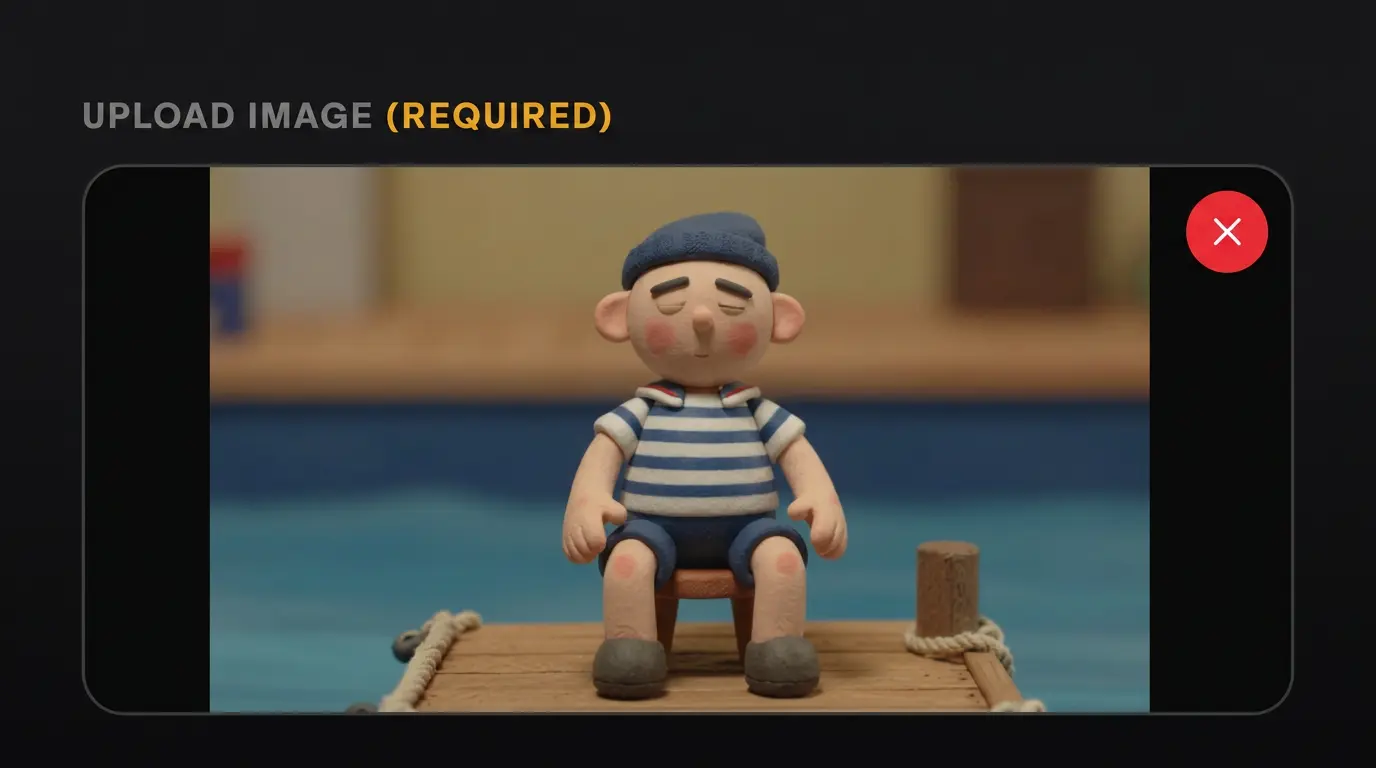
Upload Your References
Add images, audio clips, video footage — or any combination. The more context you give, the closer the output is to your vision.
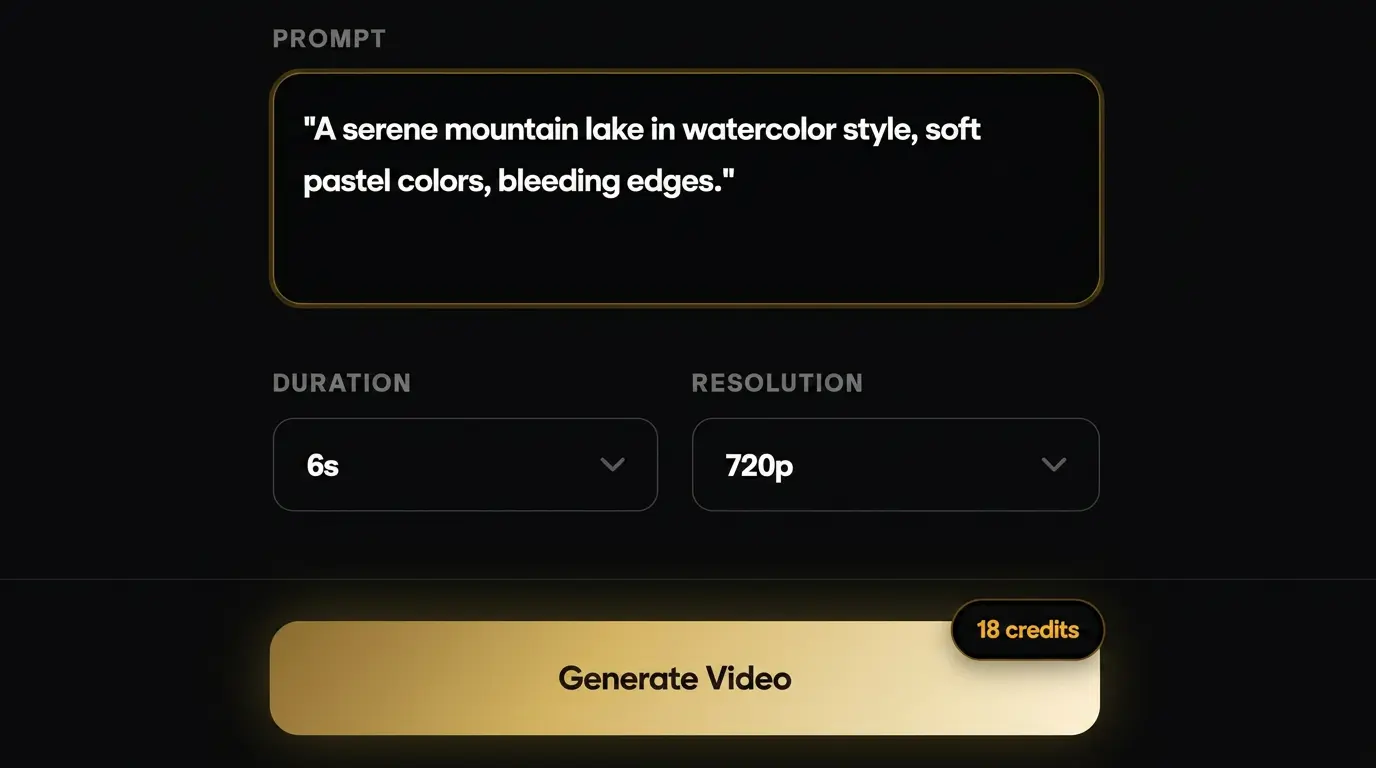
Write Your Prompt
Tell Imagine V2 exactly what you want: the scene, the mood, the camera movement, the characters.
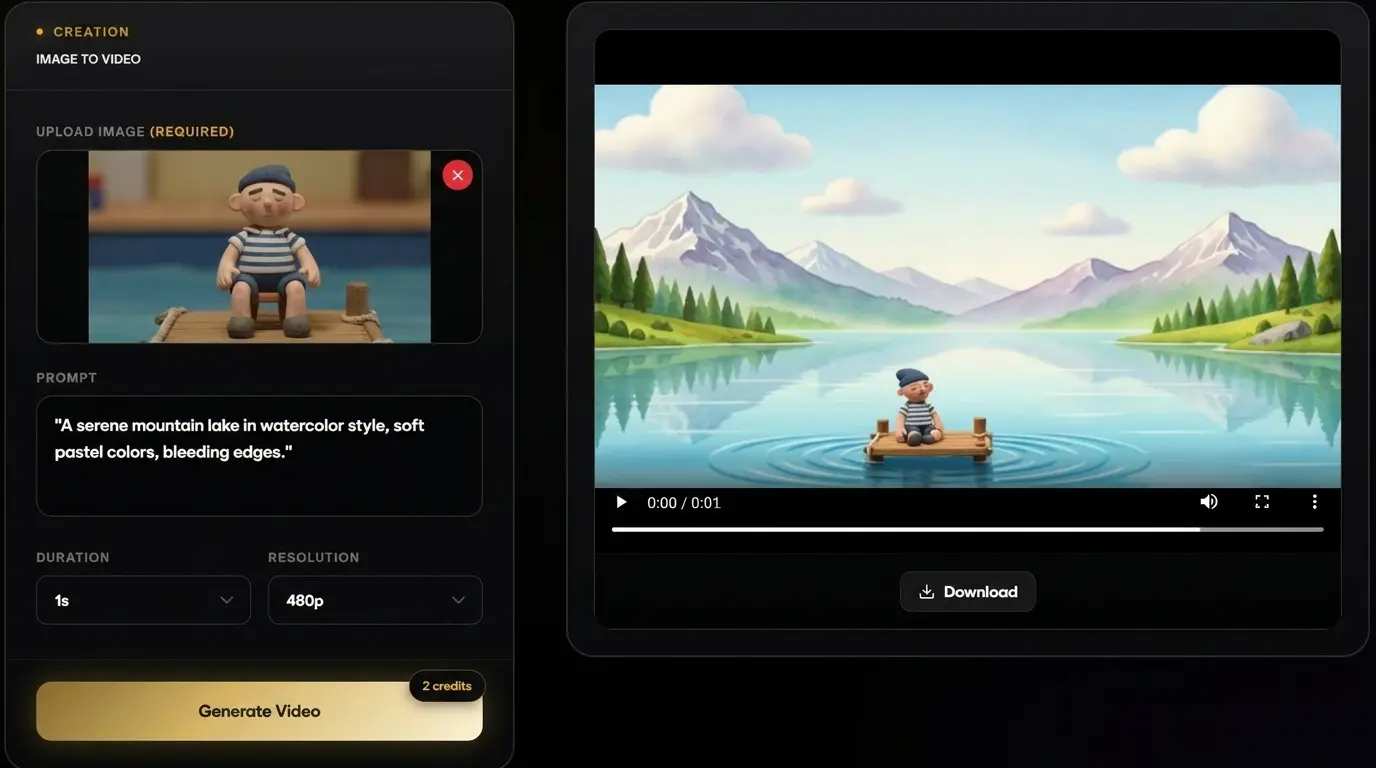
Generate & Download
Your video is ready in seconds. Download in high quality and publish anywhere — no post-production required.
Imagine V2
Vs The Competition
| Feature | Grok Imagine 2.0 | Seedance 2.0 | Veo 3.1 | Kling 3.0 |
|---|---|---|---|---|
| Max Resolution | 4K | 2K | 4K | 4K |
| Max Duration | 30s | Variable | 60s+ | 15s |
| Native Audio | ✓ | ✓ | ✓ | ✓ |
| Image Generation | ✓ | ✗ | ✗ | ✓ |
| Free Tier | ✓ | Limited | Limited | Limited |
| Commercial License | ✓ | ✓ | ✓ | ✓ |
Frequently Asked
Questions
Answers are in the page HTML for clarity and SEO. See Terms for legal terms.
What is Imagine V2?
Imagine V2 is an independent AI video and image generation platform. It lets you create cinematic 4K videos and photorealistic images from a text prompt or reference image — no technical skills required. V2 significantly improves on Imagine 1.0 with higher resolution, longer video duration, enhanced audio generation, and more accurate instruction following.
Is Imagine V2 free to use?
Yes. Imagine V2 offers a free tier with a limited number of generations per month. For higher volume, 4K exports, and commercial use, paid plans are available. See Pricing →
What's the difference between Imagine 1.0 and 2.0?
Imagine 1.0 supports 720p video up to 10 seconds. V2 upgrades this to 4K with videos up to 30 seconds, plus improved audio generation and character consistency across scenes. Learn more about Imagine 1.0 →
Can I use Imagine V2 for commercial projects?
Yes. All content generated on paid plans includes full commercial licensing — use outputs in ads, client projects, and monetized content without restriction.
Does Imagine V2 generate images as well as videos?
Yes. V2 supports both text-to-image and text-to-video generation. The image tools support editing, restyling, and image-to-video workflows. See the Image Generator →
How does Imagine V2 compare to Veo 3.1 and Kling 3.0?
All three are top-tier AI video generators, but Imagine V2 uniquely combines video and image generation in one platform. See our full comparisons →